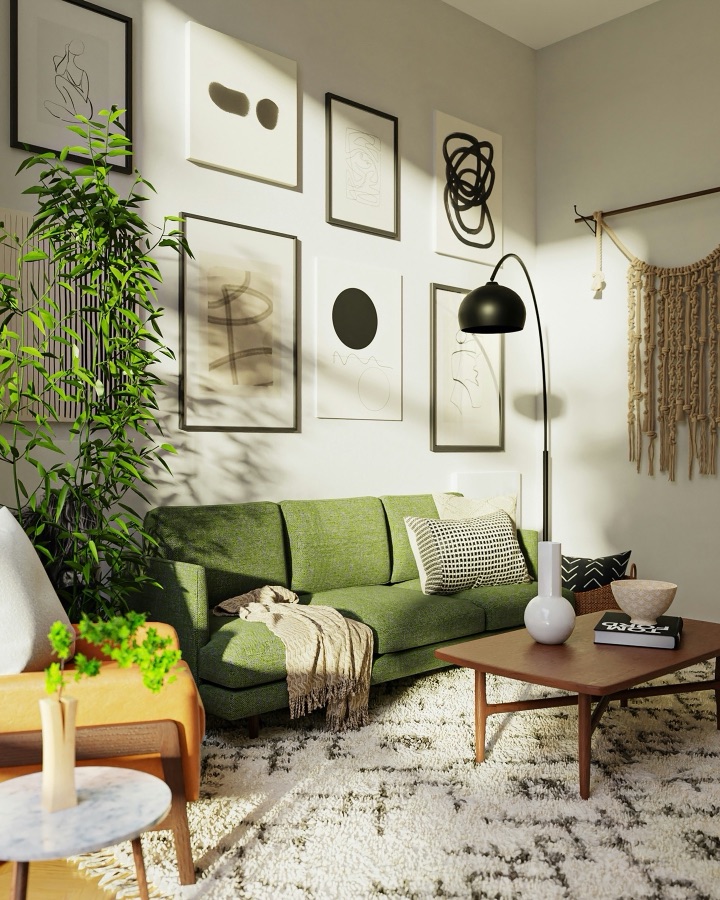
 Before
After
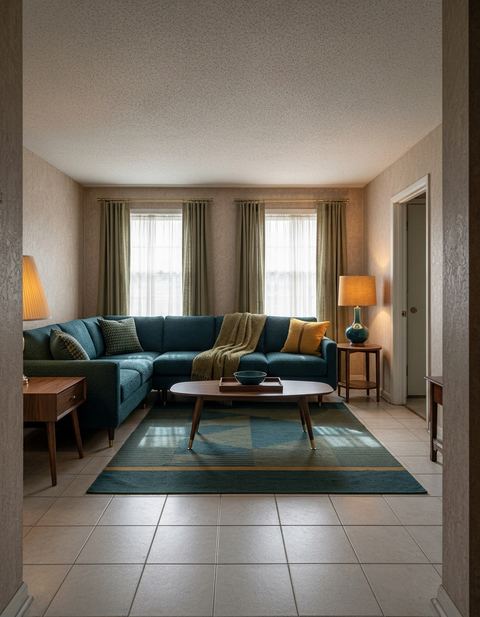
Before
After
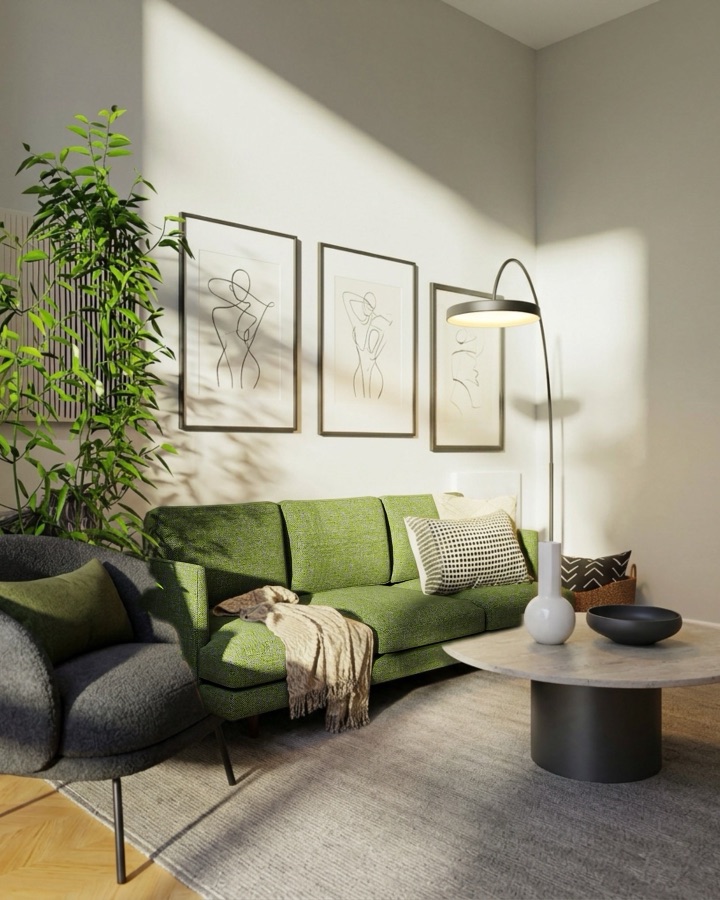
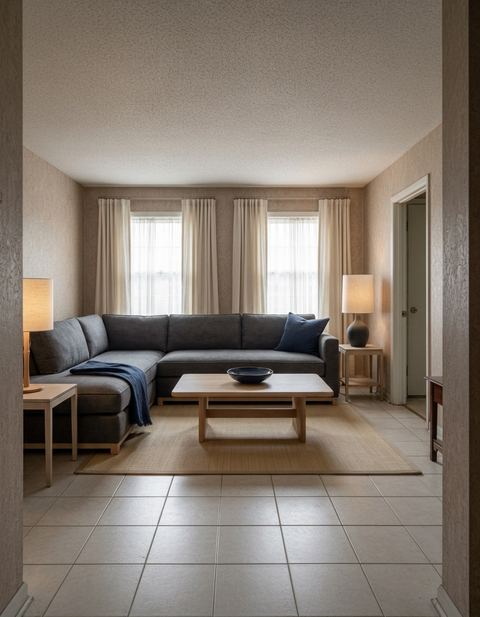
A real result from the app: one photo in, one design out, nothing retouched.
Keep & Redesign
Keep the piece you love. Redesign the rest.
Most redesigns throw out everything. Paint the one piece you're keeping — the green sofa, the vintage armchair — and the app leaves it exactly as it is while the room around it is redesigned to suit it.
How it works
One piece stays. Everything else can change.
Photograph the room
Make sure the piece you're keeping is in the shot.
Paint what stays
Brush over the sofa, chair or table you won't part with.
Get the redesign
The room is redesigned around it, and the piece itself comes back with its own pixels.
Why people keep one thing.
The sofa you just bought
Find walls, rugs and lighting that work with it instead of starting from zero.
An heirloom
Grandmother's cabinet stays; the room finally catches up with it.
A budget refresh
Keep the expensive piece and see what changing everything around it would do.
Questions
Will the piece I keep be changed at all?
No. After the redesign, the area you painted is put back from your own photo, so the piece keeps its exact shape, color and position.
Does the new design match the piece?
Yes — the app is told which piece stays and builds the palette and materials around it.
Can I keep more than one thing?
Paint everything you want to keep in one stroke or several; whatever you paint stays.
Is it free?
Free to download and to start, no card needed. One-time packs never expire, and Pro is weekly or monthly; your App Store shows the price in your currency.
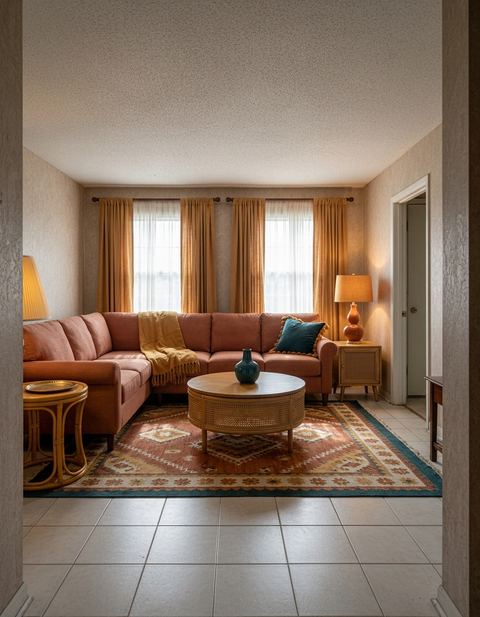
Keep yours. Redesign the rest.
Try Keep & Redesign on your own room in about thirty seconds. Free to start on iPhone.
Download on the App Store