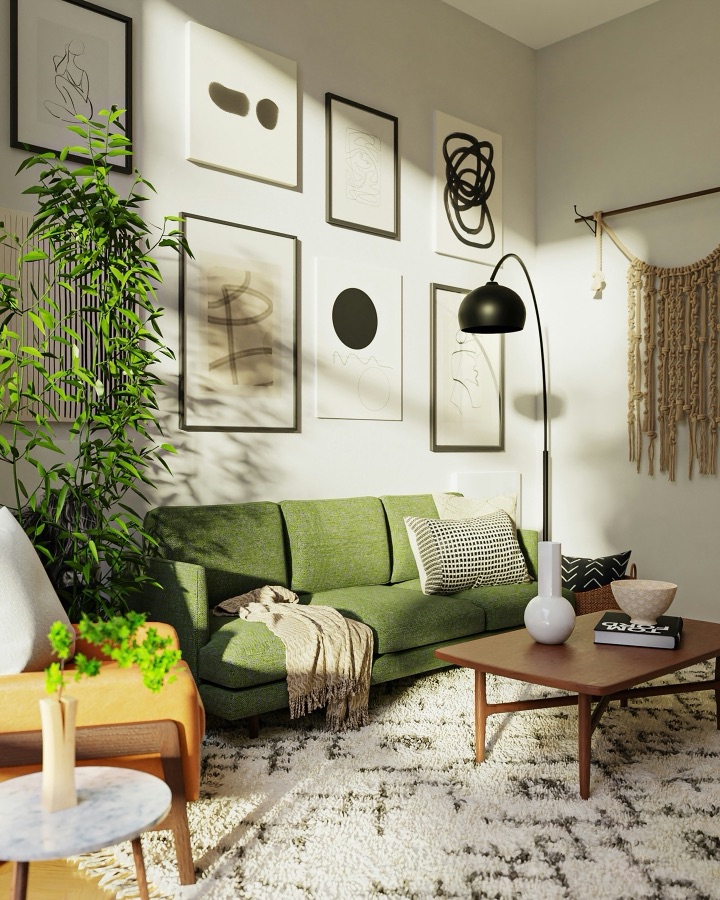
 Before
After
Before
After
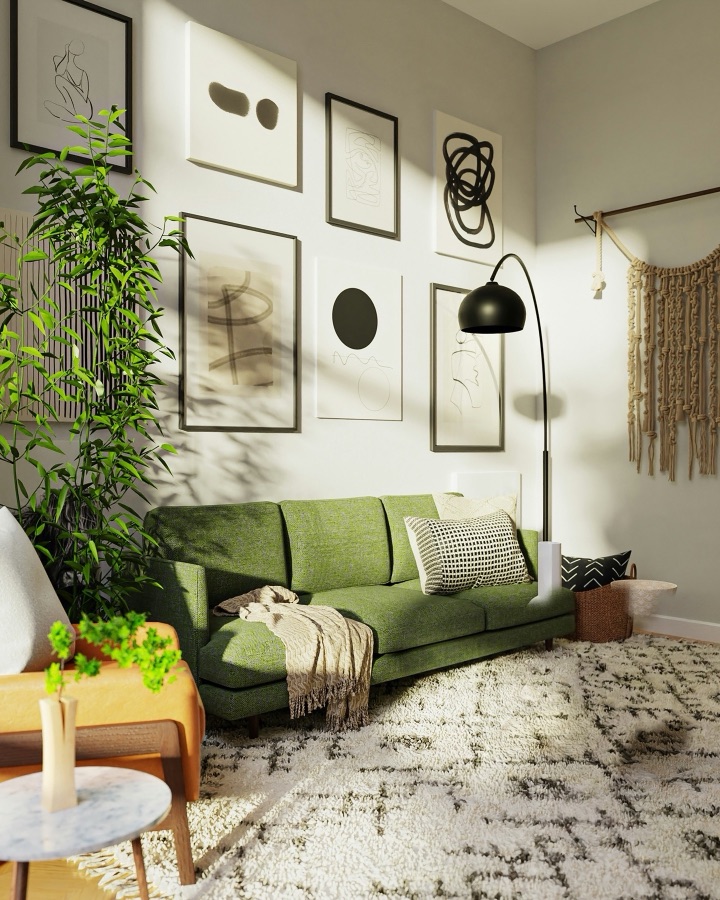
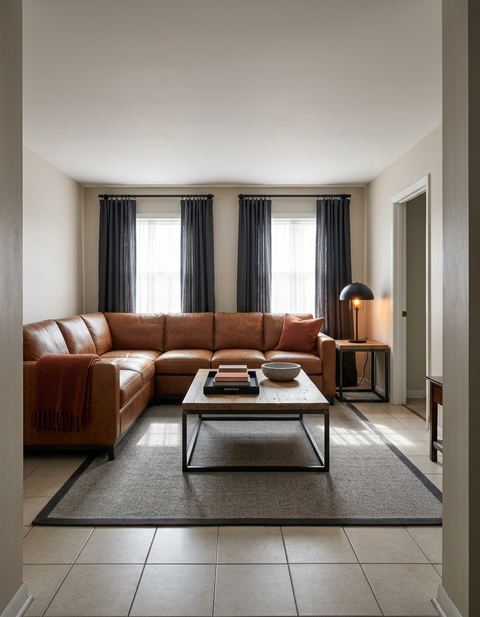
A real result from the app: one photo in, one design out, nothing retouched.
Remove · Magic Edit
Remove furniture from a photo. Paint it, it's gone.
Paint over the coffee table, the old armchair or the pile on the sideboard. The app takes out that one object, shadow and all, and continues the rug, floor and wall behind it. Everything you didn't paint stays exactly as photographed.
How it works
Three taps, one object gone.
Photograph the room
Any room photo from your camera or library — the app keeps its framing exactly.
Paint the object
Brush over the thing you want gone. Only what you paint can change.
Get the empty space
In about thirty seconds the object is gone and the floor, rug and wall run through where it stood.
When people reach for it.
Before you sell or move
See the room without the bulky piece you're getting rid of — and whether the space works without it.
Decluttering a listing photo
Take out the laundry basket, the cables or the chair in the way, without re-shooting the room.
Planning a new piece
Clear the spot first, then use Replace to drop something new into the same place.
Questions
Does the rest of my photo change?
No. The result is pasted back through your brush stroke, so everything outside what you painted keeps the photo's own pixels.
What happens to the floor behind the object?
The app looks at what surrounds the object — the rug, the floorboards, the skirting and the wall — and continues those surfaces across the gap, with the object's shadow removed too.
Can I put something else there instead?
Yes — that's Replace, the tool next to Remove: paint the object and the app designs a new piece for the same spot, or write what you want there.
Is it free?
Roomframe AI is free to download and to start, with no card needed. One-time packs never expire, and Pro is weekly or monthly; your App Store shows the price in your currency.
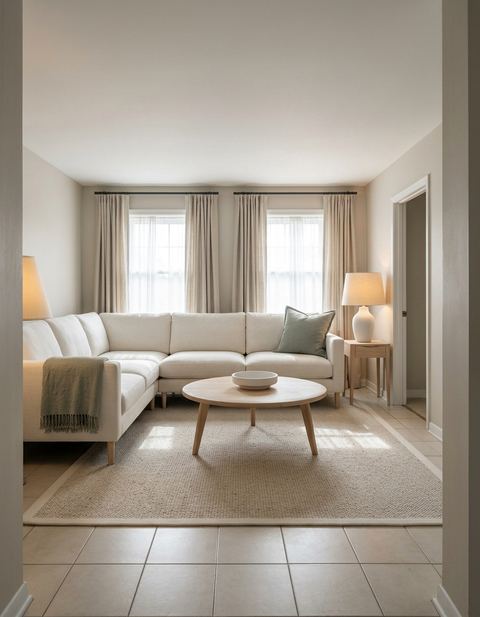
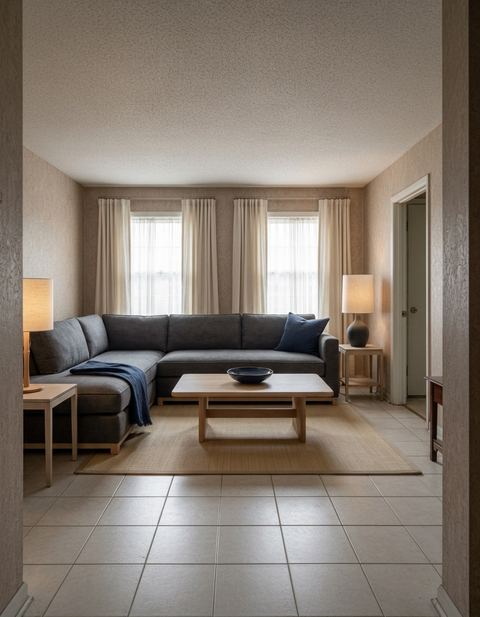
Paint it. It's gone.
Try Remove on your own room photo in about thirty seconds. Free to start on iPhone.
Download on the App Store